








Connect to payment platforms
Contents
We'll remove the Revenue analytics dashboard on or after June 30th, 2026.
We're not stepping away from revenue in PostHog — we're rethinking how it should work. Instead of maintaining a single, opinionated Revenue analytics dashboard, we're focusing on exposing revenue properties on persons and groups so you can use them everywhere: insights, SQL, and persons/groups profiles. Each use case (ecommerce, SaaS, recurring revenue, one-off, services, multi-tenant) can then build the dashboard it actually needs — or have PostHog AI and agents via our MCP build it for you.
The simplest way to get started with revenue analytics is to connect to a payment platform.
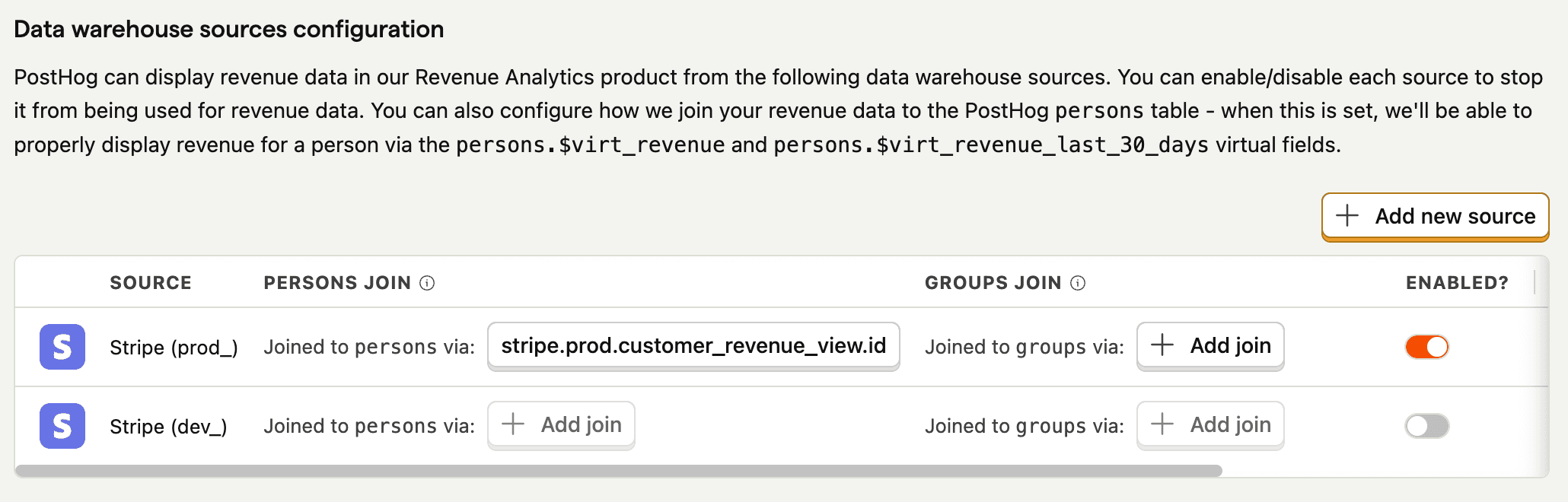
Start by connecting your payment platform(s) to PostHog as a data source:




We currently only support revenue analytics data from Stripe. More platforms will be supported in the future.
How is the data stored?
When you connect your payment platform(s) to PostHog, the data is transformed into standardized managed views. Revenue analytics uses this data to build your revenue analytics dashboard.
The data is stored in the data warehouse and is available for you to run custom queries and visualize like any other data in PostHog.
Deferred revenue
When using revenue data from your data warehouse (from sources like Stripe), PostHog automatically defers revenue recognition to match your accounting practices. This means we spread the revenue across all the months a charge is relevant for.
You can learn more about this on the deferred revenue page.